Leaf Fragment Recipes
Fragment recipes are ordinary recipes, so you can add them with any recipe type. The built-in ones use resourcestrees:strict_shaped, which has the same format as minecraft:crafting_shaped with stricter matching: the pattern can't be mirrored, and its gaps must stay empty.
Generator
Load a built-in recipe to change it, or clear the grid and draw your own. Choose an ingredient and click grid cells to place it.
 4Diamond
Strict: the empty cells inside the shape must stay empty, and the shape can't be mirrored.
data/resourcestrees/recipe/fragment_crafting/diamond_leaf_fragment_to_diamond.json{
"type": "resourcestrees:strict_shaped",
"category": "building",
"key": {
"D": "resourcestrees:diamond_leaf_fragment"
},
"pattern": [
"DDD",
"DDD",
"DDD"
],
"result": {
"id": "minecraft:diamond",
"count": 4
}
}/reload.Example
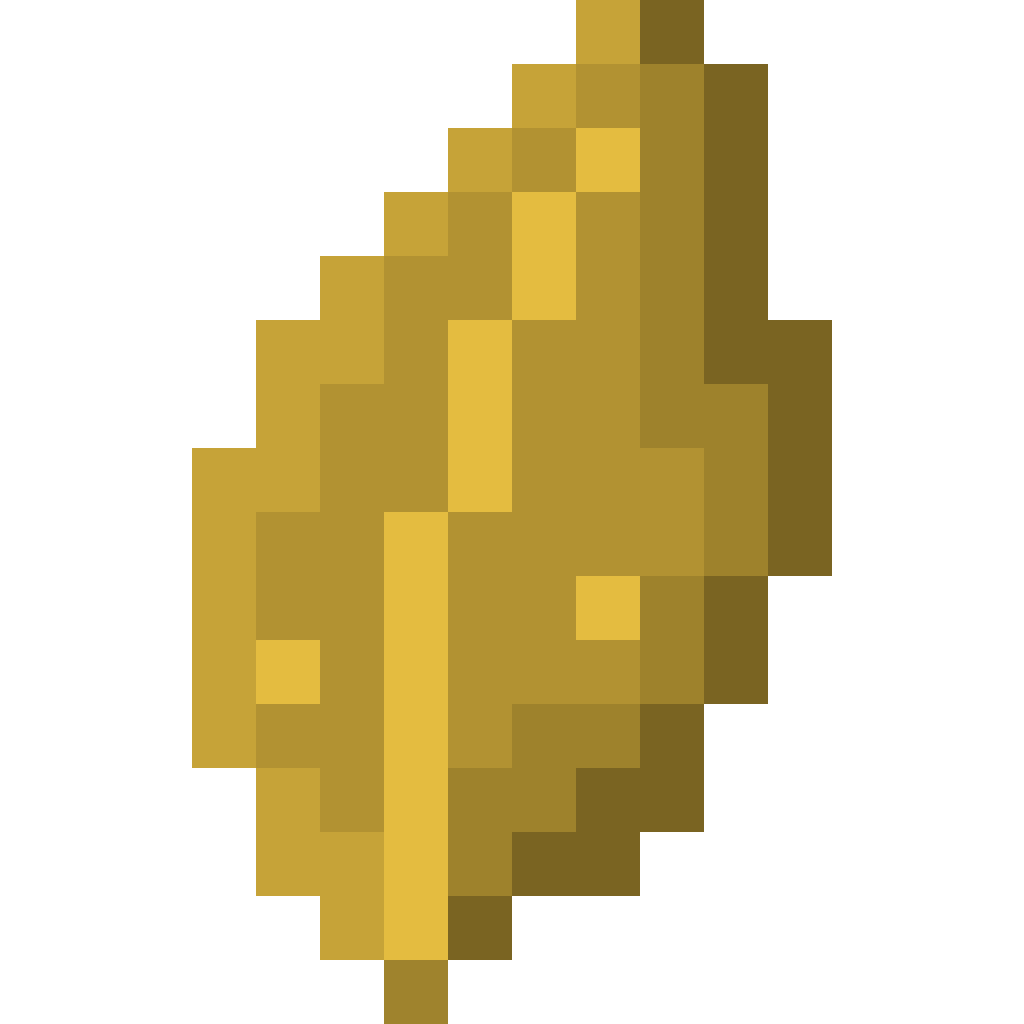
Eight honey blocks from bee fragments. The only difference from a vanilla shaped recipe is the type.
data/resourcestrees/recipe/fragment_crafting/bee_leaf_fragment_to_honey_block.json
{
  "type": "resourcestrees:strict_shaped",
  "category": "building",
  "key": {
    "A": "resourcestrees:bee_leaf_fragment"
  },
  "pattern": [
    "AAA",
    "A A",
    "AAA"
  ],
  "result": {
    "count": 8,
    "id": "minecraft:honey_block"
  }
}
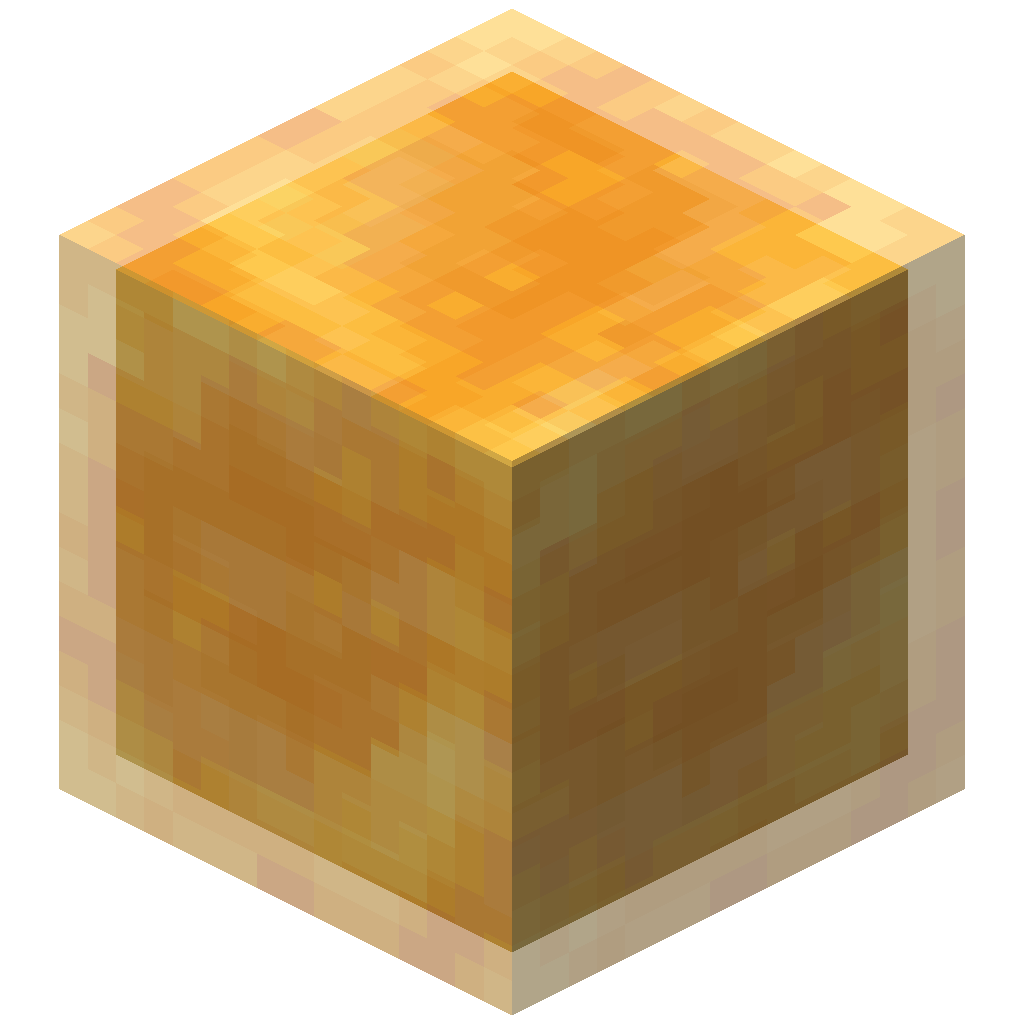 8Honey Block
Changing a built-in recipe
Built-in recipes live under data/resourcestrees/recipe/fragment_crafting/. Put a file with the same name in your datapack to replace one. Every built-in recipe is listed on Leaf Fragments, and the file name is <fragment>_to_<result>.json, for example iron_leaf_fragment_to_iron_ingot.json.
Custom resource types
Fragments of custom resource types have no recipes until you add them. Use resourcestrees:<name>_leaf_fragment as the ingredient:
{
  "type": "resourcestrees:strict_shaped",
  "category": "misc",
  "key": {
    "R": "resourcestrees:ruby_leaf_fragment"
  },
  "pattern": [
    "RRR",
    "RRR",
    "RRR"
  ],
  "result": {
    "count": 2,
    "id": "minecraft:redstone"
  }
}
The item tag #resourcestrees:leaf_fragments contains every fragment. See Tags.