Getting Started
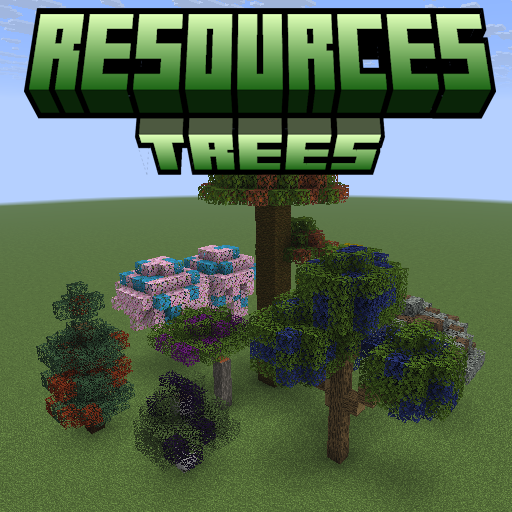
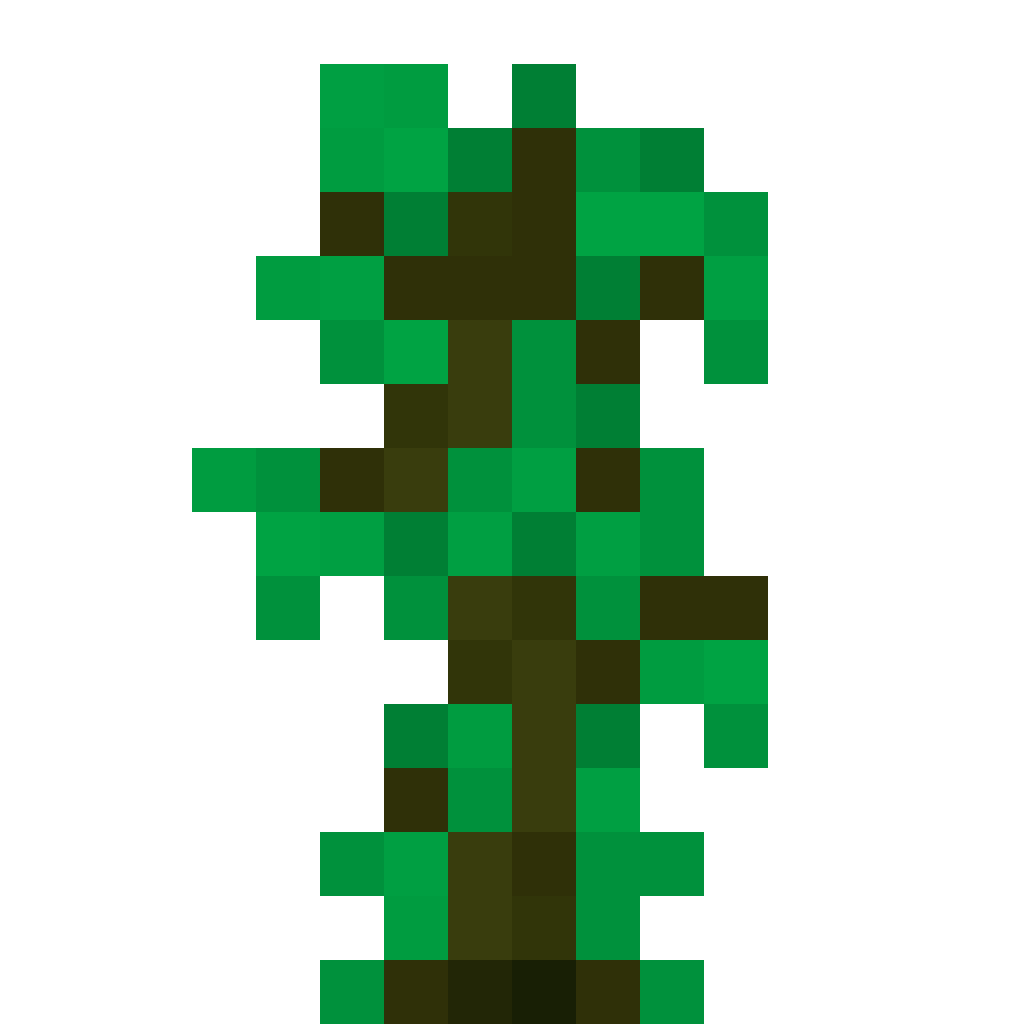
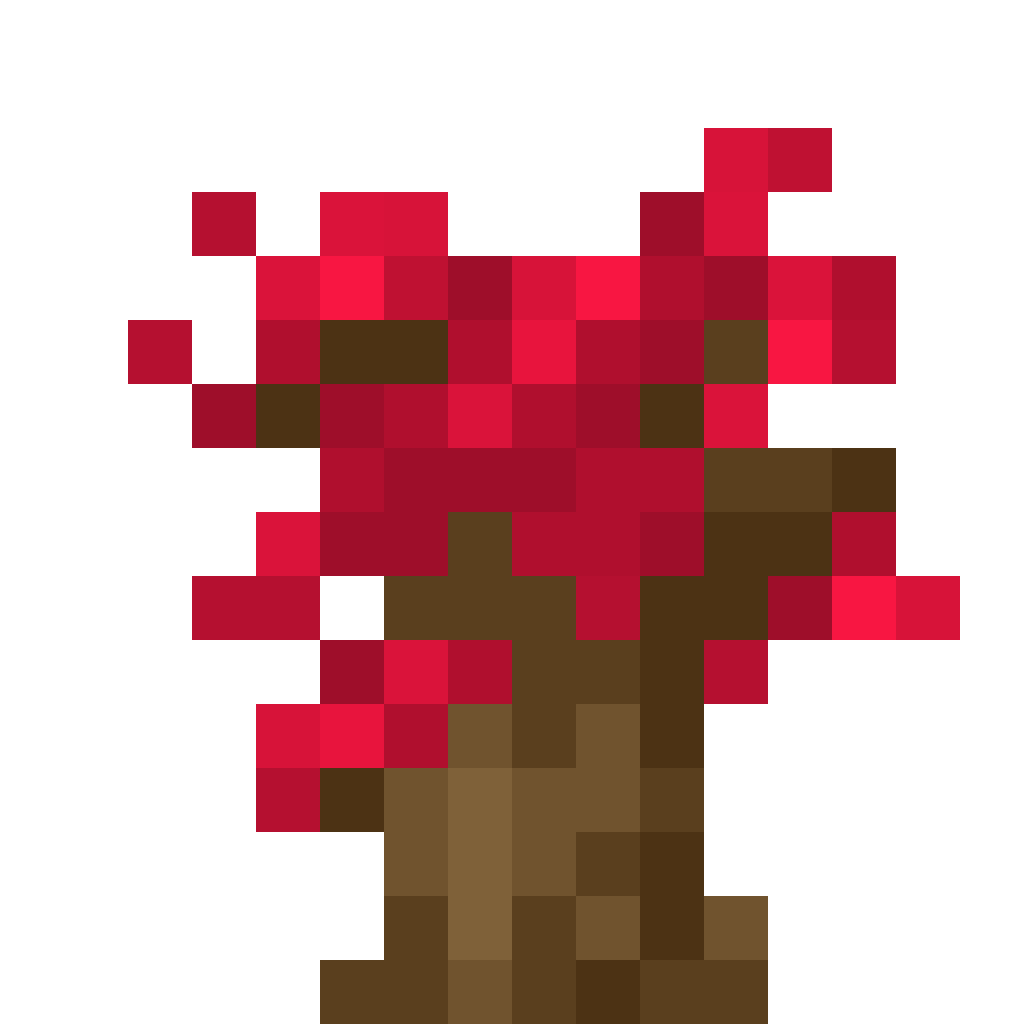
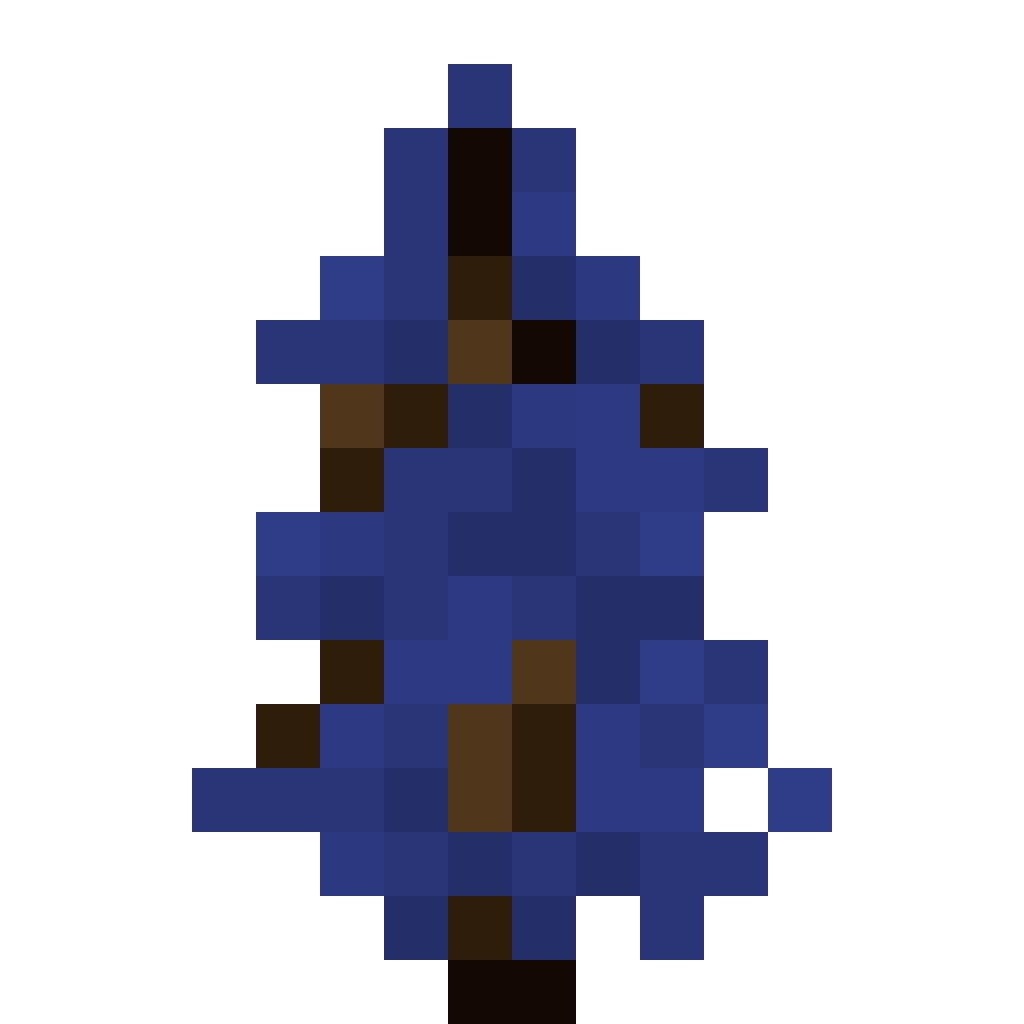
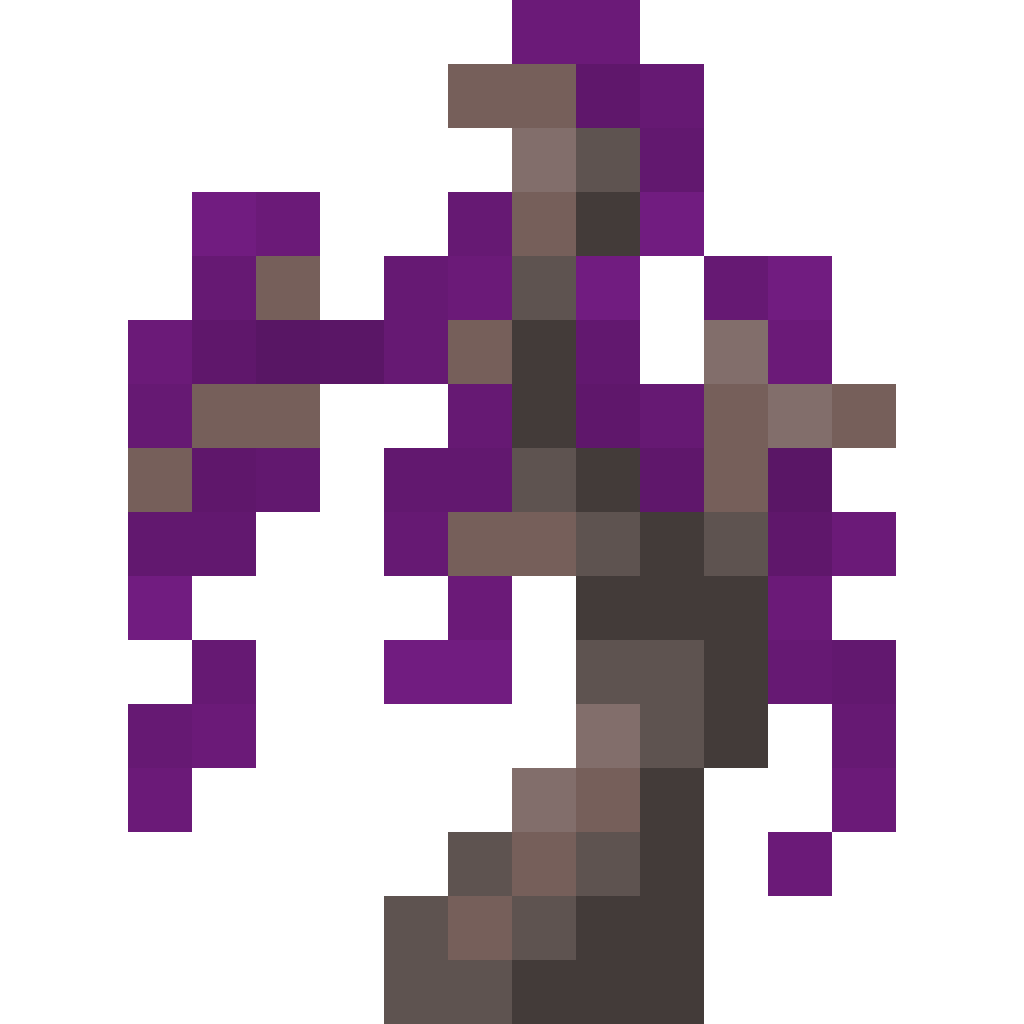
Resources Trees adds trees that grow resources. Each tree combines a resource type (what it drops) with a tree type (what shape it grows as), so an Iron Oak Sapling grows into an oak whose leaves drop iron.
Install
- Install Fabric with Fabric API, or NeoForge, for Minecraft 26.3.
- Put the Resources Trees jar for your loader in your
modsfolder. Its config library is bundled inside. - Optional: add JEI to browse every sapling and Tree Simulator recipe in game.
Your first resource tree
1. Craft a resource sapling. Surround a vanilla sapling with the resource's material. Every combination has a recipe.
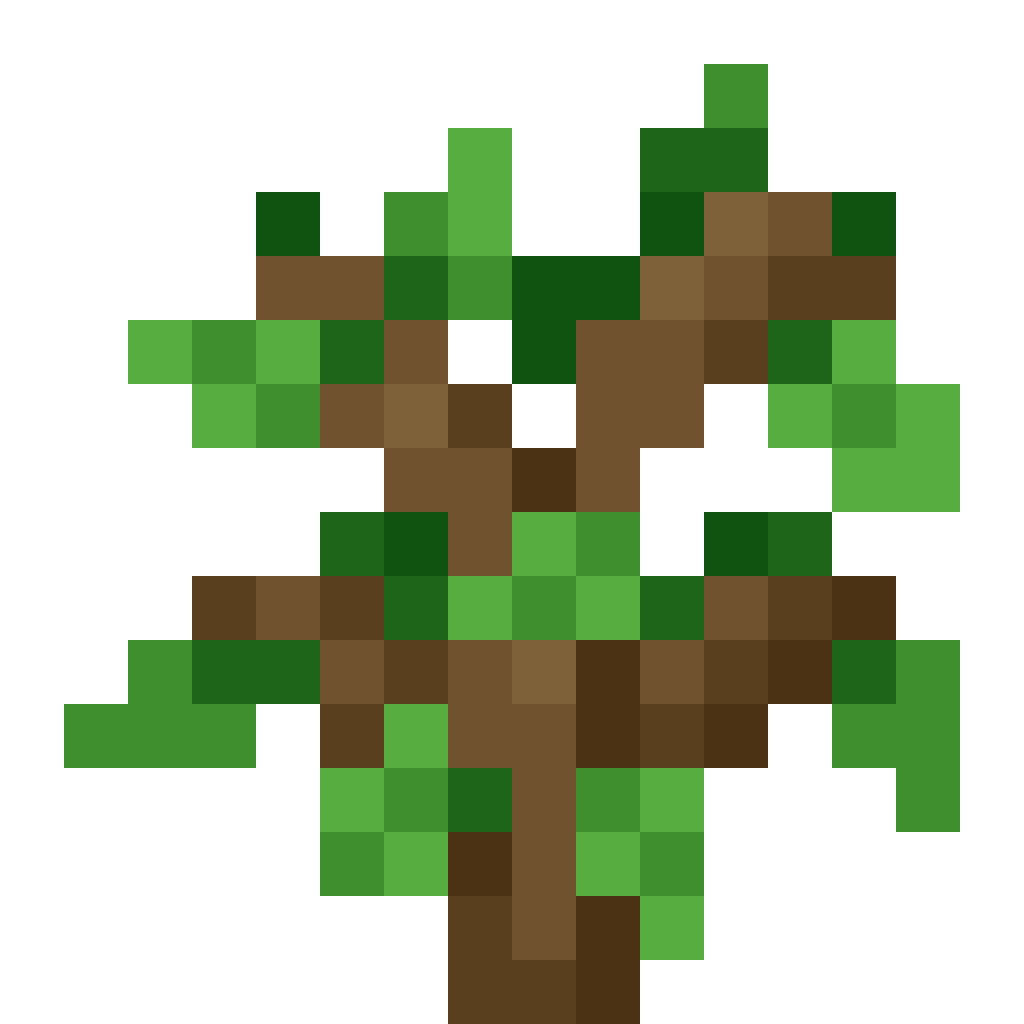 Iron Oak Sapling
2. Plant it on grass or dirt like any sapling. It grows into the same shape as the vanilla tree, with tinted leaves.
3. Break the leaves. They drop leaf fragments, and sometimes another sapling.
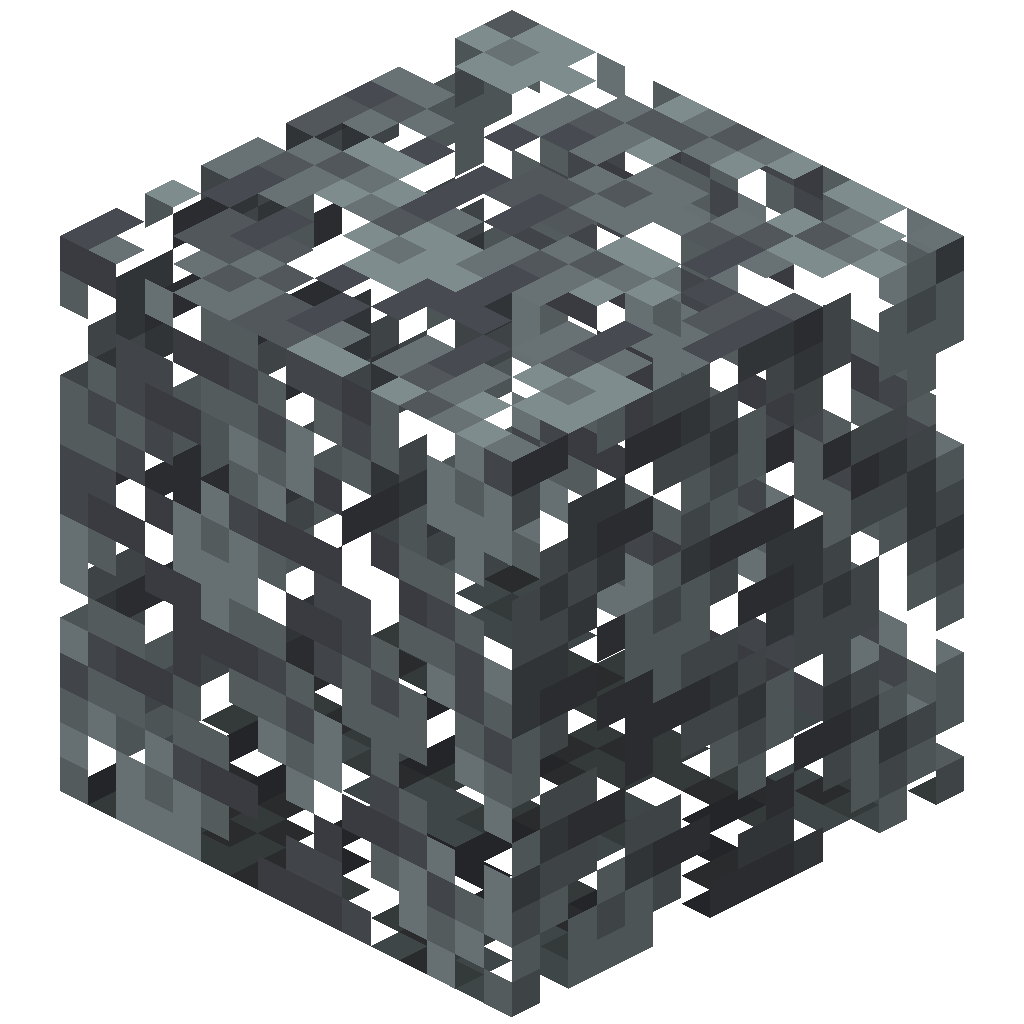 Iron Oak Leaves ➜
 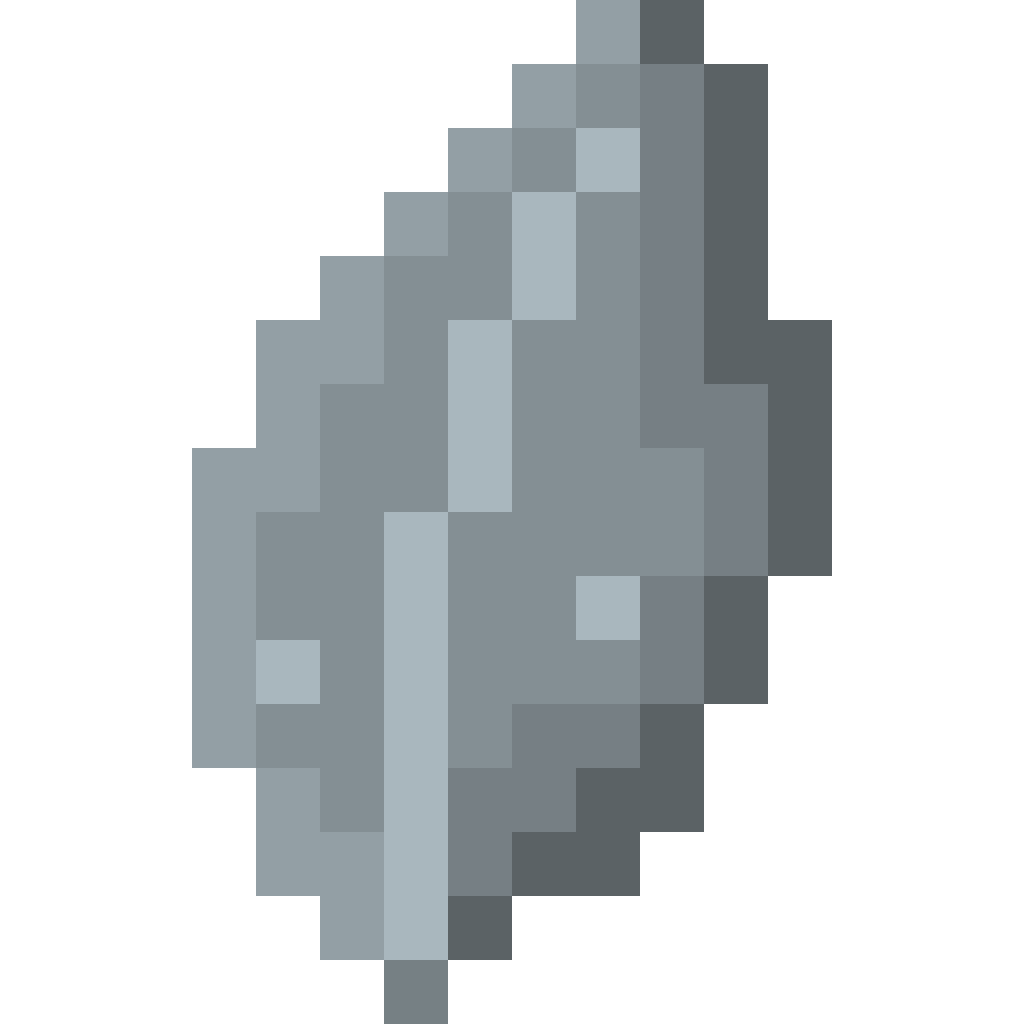 Iron Leaf Fragment
4. Craft the fragments back into the resource.
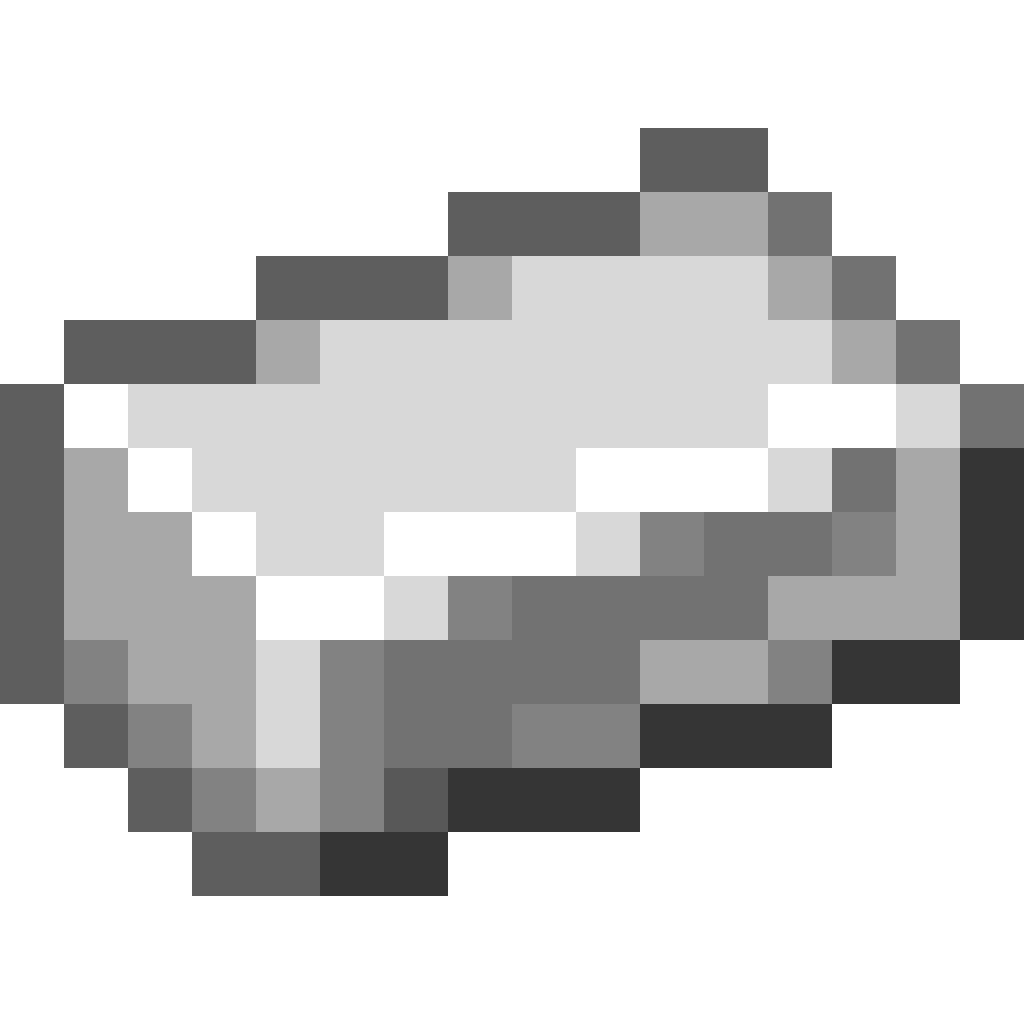 6Iron Ingot
Automate it
Once you have a sapling to spare, put it in a Tree Simulator with an axe. It "grows" and harvests the tree inside the block, over and over, without touching the world.
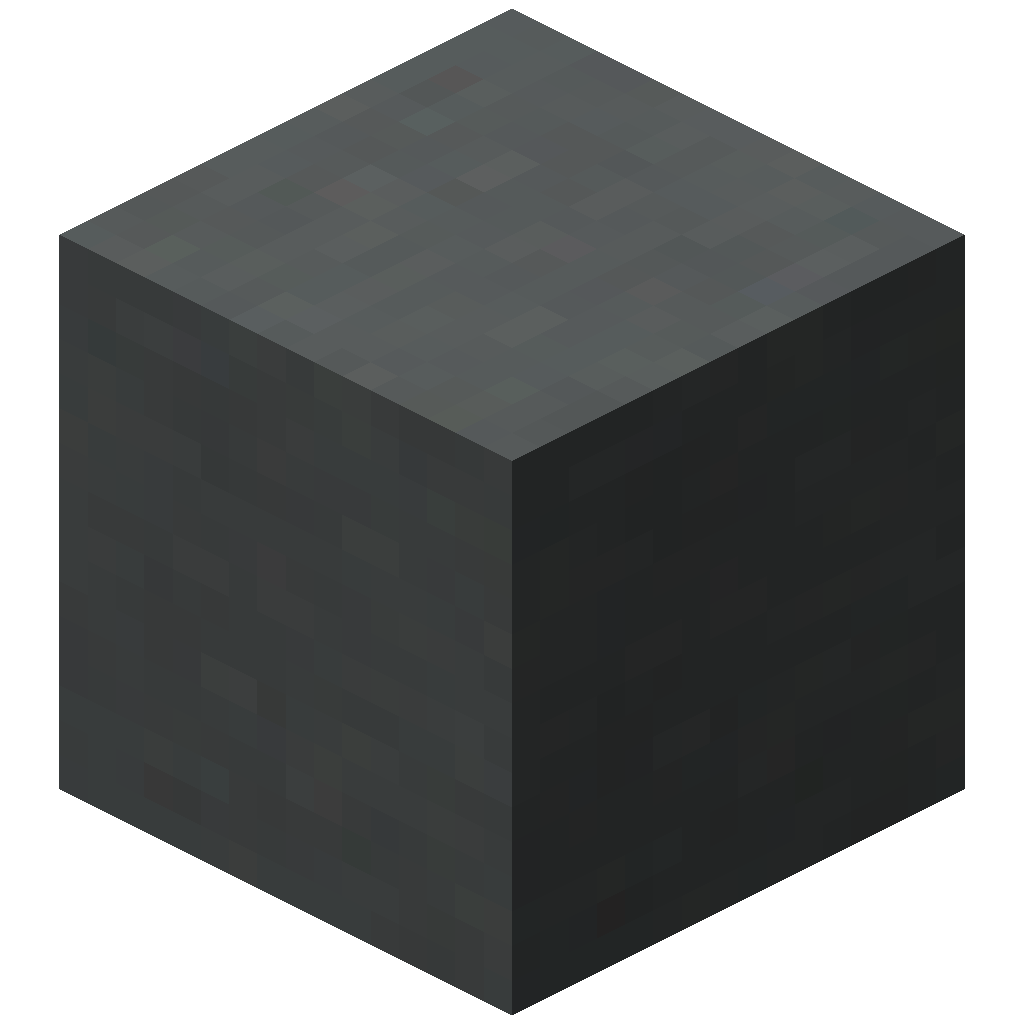
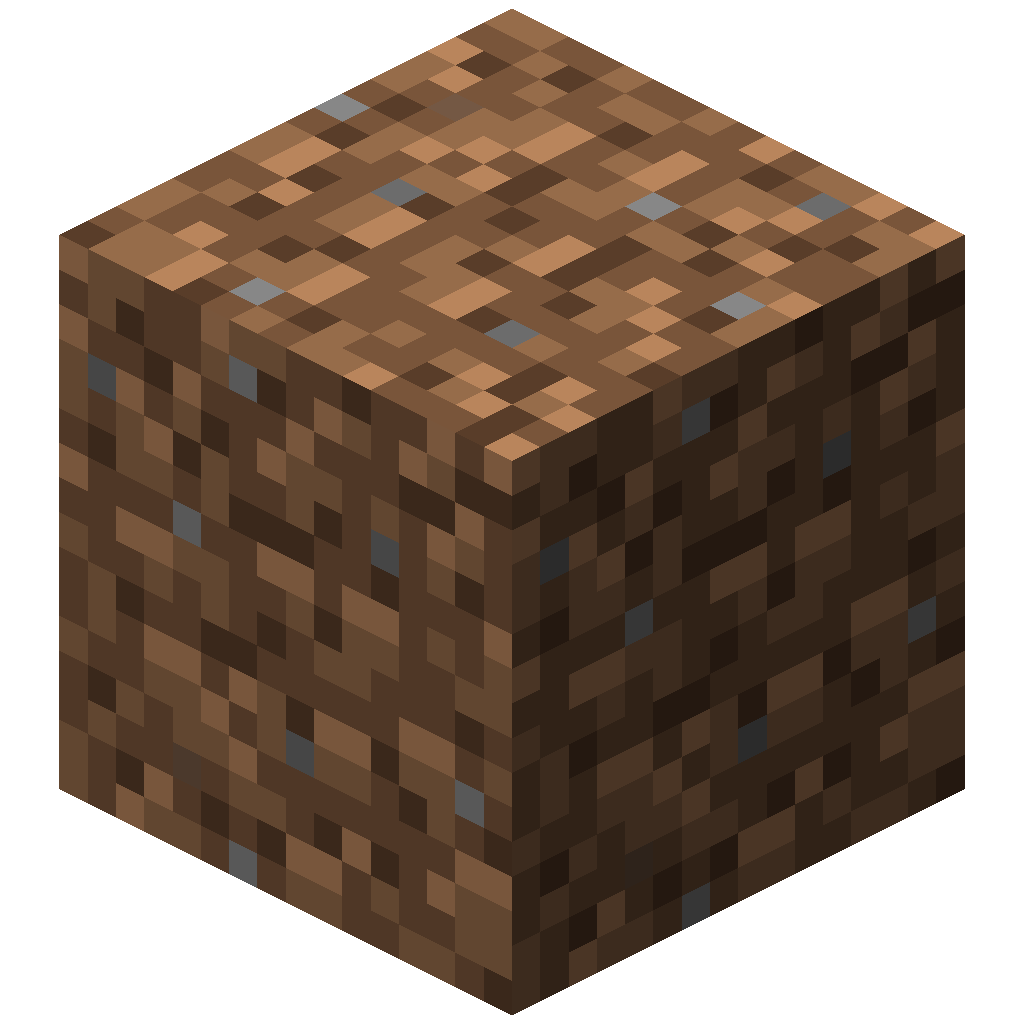
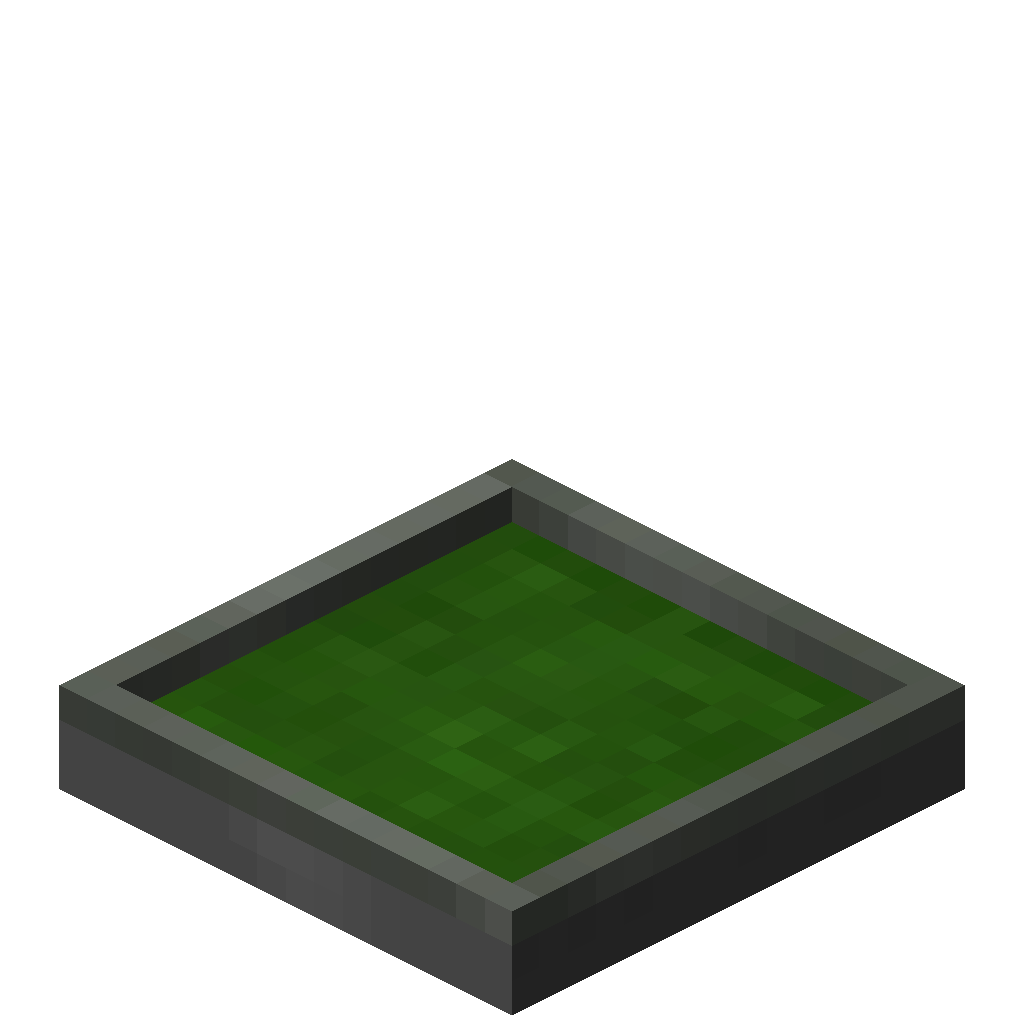 Tree Simulator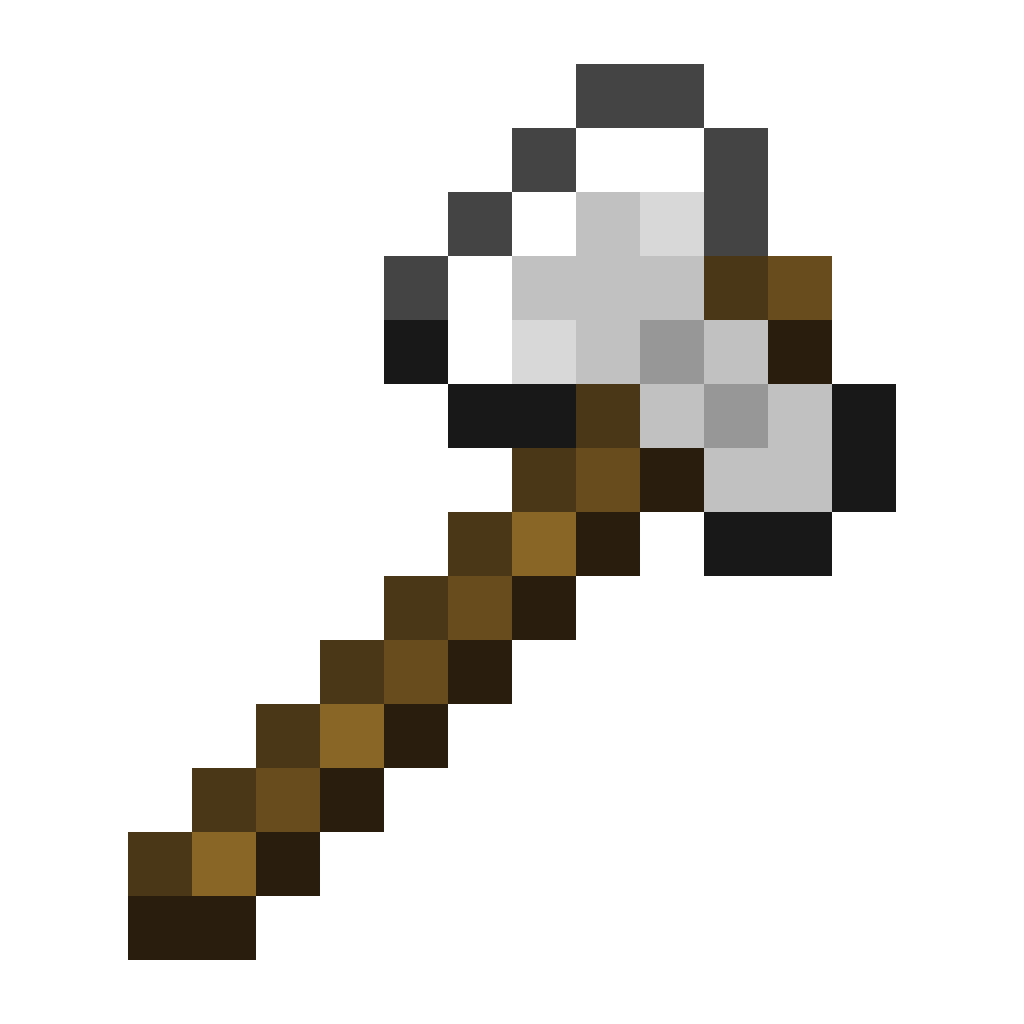
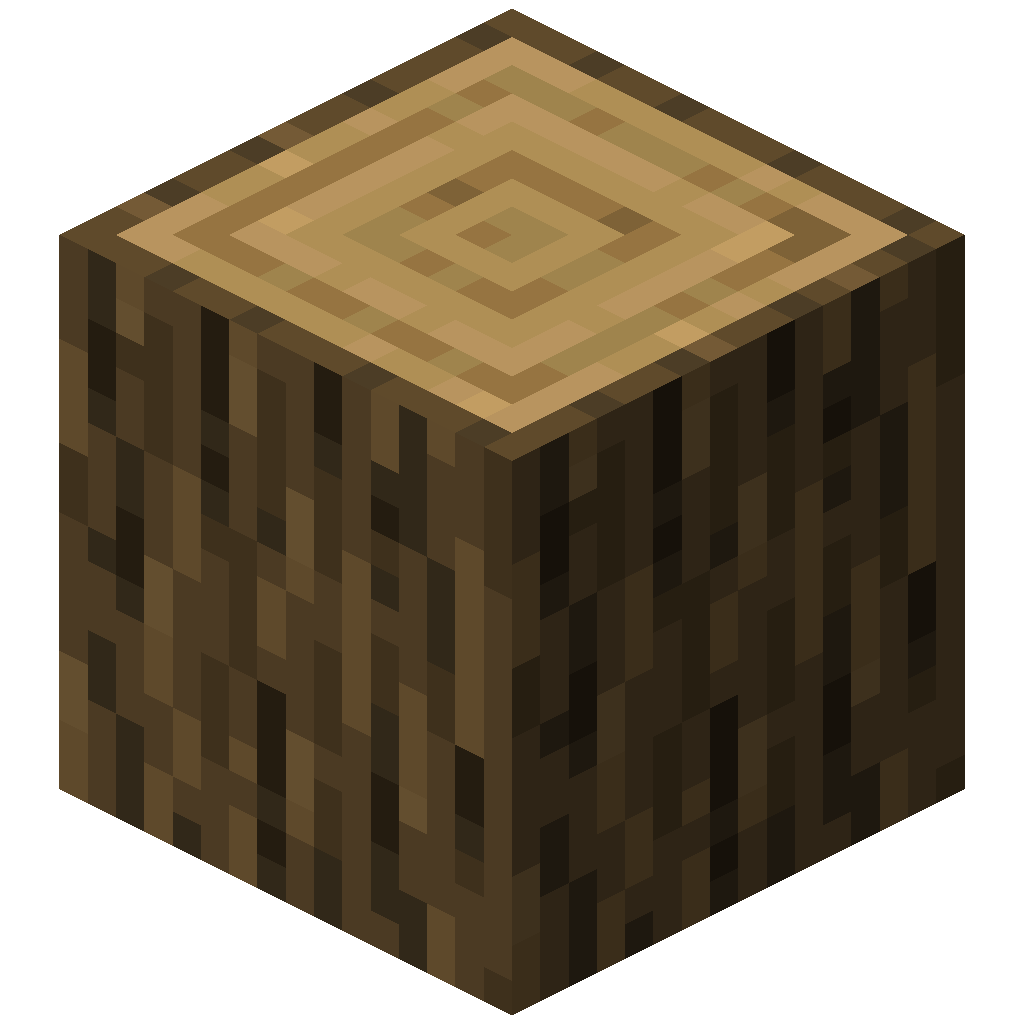 41321234
- Sapling: any resource sapling with a Tree Simulator recipe.
- Axe: required. Better axes finish each harvest sooner.
- Progress: fills once per harvest.
- Output: nine slots. The simulator pauses when a drop has nowhere to go.
Where to go next
- Sapling explorer: pick any sapling and see its recipe, drops and simulator output
- Resources types: every resource type and tree type in the mod
- Essence items: the crafted materials for mob and elemental trees
- Custom resources types: add your own trees with a JSON file